Panda X Panel Battery Usage Tips for Longer Sessions
Few things end a good session as abruptly as a battery warning. Panel apps themselves are light, but they run alongside a bright screen and a busy game, and that combination decides how long your phone lasts. The encouraging part is that battery life responds well to ordinary habits: modest screen settings, background discipline, and sensible charging behaviour between sessions.
This guide separates what the panel contributes from what the rest of the phone contributes, then works through the habits that genuinely extend play time. Nothing here asks you to ruin the experience with an unusable screen or stripped-down setup. The goal is the longest comfortable session your device can honestly deliver.
Where the Battery Actually Goes
On any gaming phone, the display is the largest battery consumer, followed by the processor working on the game itself. A small panel overlay contributes very little by comparison. This matters because it directs your efforts: chasing the panel's tiny share while ignoring a maximum-brightness screen is like mopping the floor while the tap runs at full power above the sink.
Start, therefore, with the big consumers. Lower brightness to the lowest level that stays clearly visible in your playing environment, and prefer playing in shade or indoor light where that level can be modest. The context on Panda X Panel touchscreen panel frames the app as one part of a whole setup, and battery thinking works best when it also considers the whole device at once.
Background Discipline Saves Real Power
Apps working in the background spend battery you meant for play. Sync jobs, location checks, auto-updates and social feeds all take small bites that add up across a long session. Before playing, close what you do not need and let the phone devote its energy and attention to the game and panel alone, especially on older devices with smaller batteries.
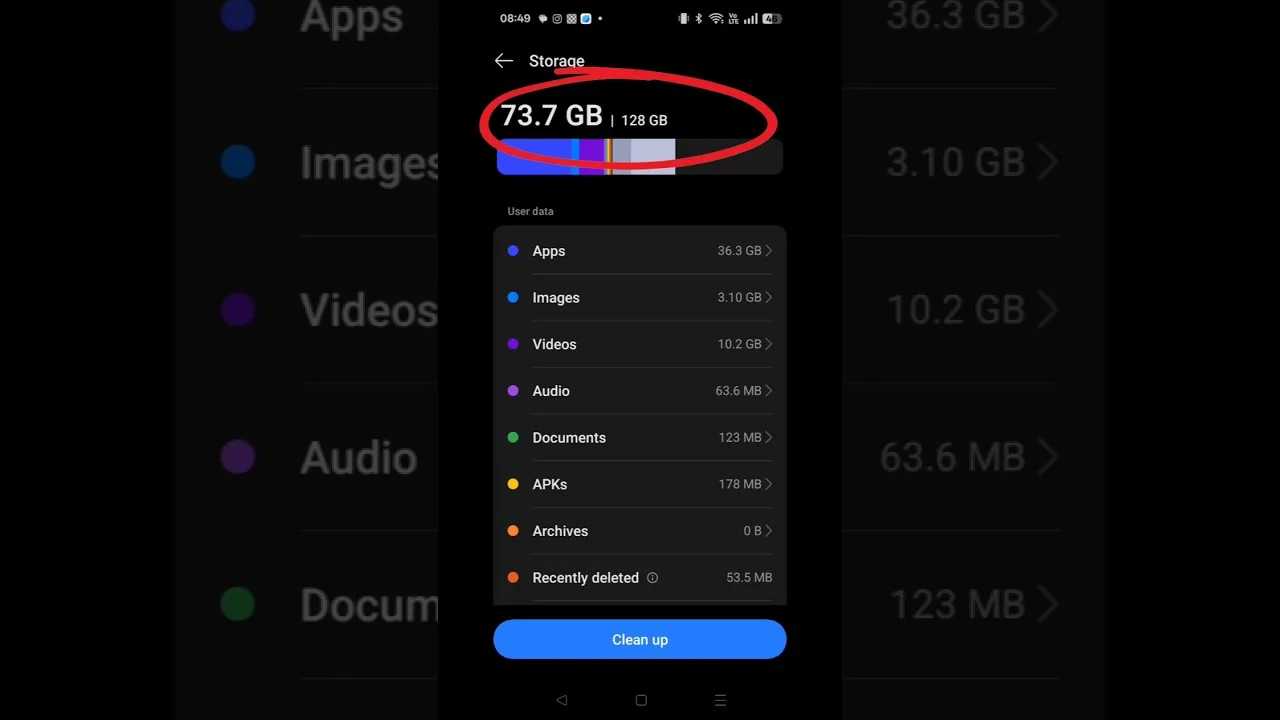
The maintenance habits in storage and performance tips for Panda X Panel pair naturally with this discipline, because a tidy phone is also an efficient one. Users on modest hardware will find the advice in low-end phone tips for Panda X Panel equally relevant, since battery, heat and performance are three faces of the same underlying load on a hard-working phone.
Heat Is Wasted Battery
A hot phone is an inefficient phone. Heat builds when the processor, screen and charging system all work hard together, and some of that stored energy simply leaves as warmth instead of play time. Playing while fast-charging is the classic example: convenient, but it warms the device, slows charging, and ages the battery faster than playing unplugged and charging calmly afterwards.
Simple cooling habits extend sessions noticeably. Remove a thick case during long play, keep the phone out of direct sun, and rest it in moving air rather than on a warm lap or blanket. If the device becomes hot to hold, a short pause protects both the battery's health and the smoothness of the session you return to afterwards.
Charging Habits Between Sessions
Batteries age through heat and through long periods spent completely full or completely empty. For everyday play, there is no need for anxiety, but a few easy habits help over months: avoid leaving the phone baking on charge in a hot place, unplug once full when convenient, and do not routinely drain it to shutdown before recharging. Small kindnesses compound into a battery that still performs a year later.
If you play long stationary sessions, a slower charger near your playing spot is a genuinely useful arrangement. Gentle charging produces less heat than the fastest brick, keeping the phone cooler while it tops up. Treat battery care as part of your overall setup, maintained in the background of your routine rather than worried about daily.
Settings That Quietly Cost Power
Inside the phone's own settings, a few switches have outsized effects during play. A screen timeout set very long wastes power during every pause. High refresh behaviour, where offered, trades battery for smoothness, and the right choice depends on whether you value the extra fluidity enough to pay for it in session length on your particular device.
Connectivity matters too. Playing on a weak, distant signal makes the phone work hard to hold the connection, spending power and adding heat. Where a stable connection is available, using it is both a performance and a battery decision. None of these choices has a universal right answer; the point is making them deliberately instead of by default.
Finally, learn your own device's honest limits instead of fighting them. Note roughly how much battery a typical hour of play costs on your phone, in your usual conditions, and plan sessions around that number. Starting a long session at forty percent with a charger nowhere nearby is a planning problem, not a battery problem, and it is entirely avoidable once you know your figures. Users who know their consumption stop being ambushed by the warning icon, because the session length was chosen with the battery in mind from the start. That small piece of self-knowledge quietly improves every other tip in this guide, since none of them work as well under time pressure.
Final Thoughts
Longer sessions come from managing the big consumers: a sensibly dim screen, a quiet background, a cool device and kind charging habits. Panda X Panel's own appetite is small, so your efforts belong on the whole phone rather than the overlay. Build those habits and the battery bar will fall noticeably more slowly, leaving your attention where it belongs, on the play itself.