Panda X Panel Sensitivity Settings Guide

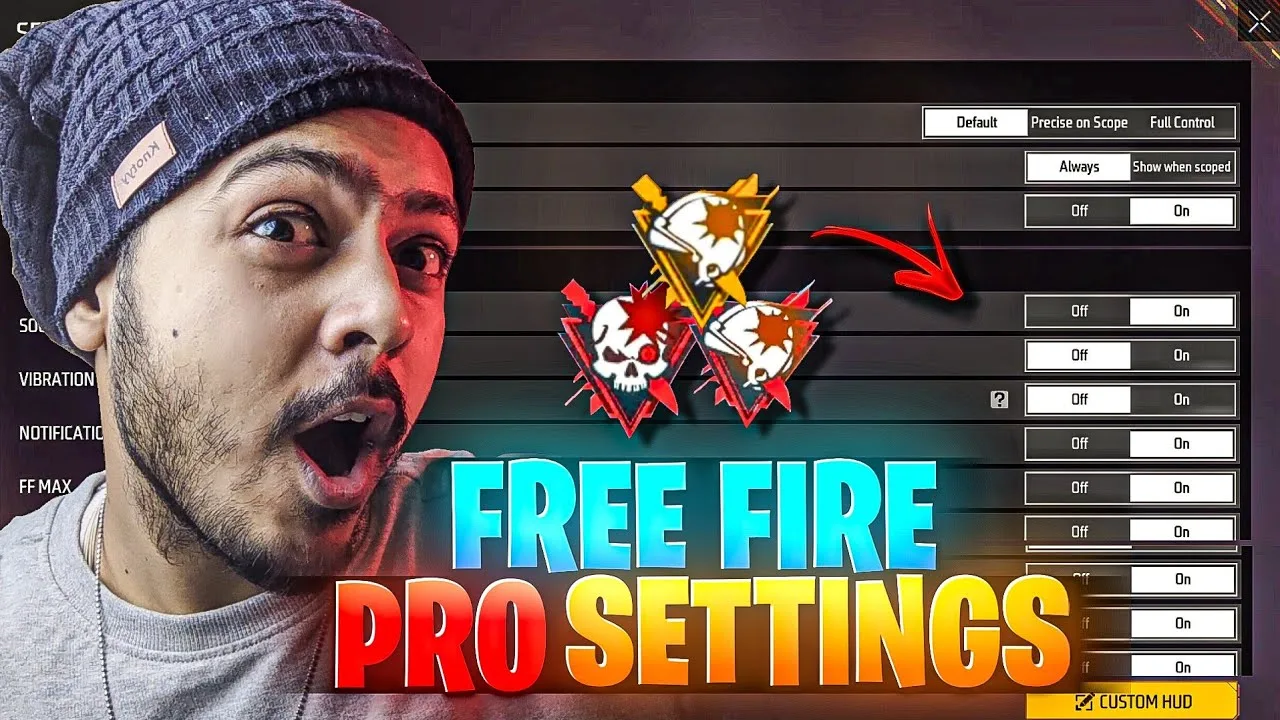
Sensitivity is the setting most users notice first, because it changes how every swipe and small movement feels on screen. A value that looks perfect in a copied list can still feel rushed or sluggish on your own phone, since screen size, touch response and refresh behaviour all shape the result. Treating sensitivity as a personal setting, rather than a number to copy, is the starting point for everything in this guide.
Work through the changes slowly and test each one properly before moving on. When you change three values at once and the result feels wrong, you cannot tell which change caused it. Small, single adjustments with a few minutes of play between them give you clear answers, and those answers are worth far more than any ready-made list shared by another player.
Start From a Comfortable Baseline
Before you tune anything, spend a short session with your current settings and note what actually bothers you. Does the view move too far when you swipe, or do you run out of screen before the turn finishes? Writing down one or two clear complaints gives the tuning process a direction, and it stops you adjusting values that were never a problem in the first place.
If you are still getting familiar with the app itself, the overview on Panda X Panel for Android phones explains the broader setup before you dive into individual values. Returning to a known baseline also matters later: take a screenshot of your starting numbers, so a tuning session that goes wrong can be undone in seconds instead of guessed at from memory.
Change One Value at a Time
Raise or lower a single sensitivity value by a small step, then play long enough for the change to register properly. Short tests mislead, because your hands need a few minutes to adjust to any new feel. A value that feels strange for the first minute often settles into something natural once your swiping rhythm catches up with it.
Keep a simple note of each step you try and how it felt. Three or four tested values with honest notes will teach you more than an afternoon of random changes. If a step feels worse in two separate sessions, move back without hesitation. Tuning is not about loyalty to a number; it is about finding the response that lets you play without thinking about the controls.
Match Sensitivity to Your Screen Size
Screen size changes what a sensitivity value actually does. On a compact phone, a short thumb swipe covers the whole display quickly, so moderate values often feel fast already. On a larger display, the same swipe travels further in physical distance, and many users find they prefer slightly higher values to keep turns comfortable without lifting and repositioning the thumb.
The Panda X Panel features guide is a useful companion here, because it explains where the sensitivity controls sit alongside the other adjustment areas. Understanding the full layout helps you judge whether a problem belongs to sensitivity at all, or whether a different setting is causing the awkward feel you noticed during play.
Test in Low-Pressure Sessions First
Always judge a new sensitivity value in a relaxed session before trusting it in a match that matters to you. Training areas and casual rounds let you repeat the same movements many times, which is exactly what tuning needs. Repeated turns, quick direction changes and steady tracking movements reveal far more than a single good or bad moment in a busy game.
If the app starts behaving oddly after several changes, work through the Panda X Panel not working fixes before blaming the values themselves. Freezes, delayed responses and menus that stop responding are technical problems, not tuning problems, and they need technical fixes first. Only tune on top of an app that is running cleanly and responding normally.
Build Different Feels for Different Play
Many users eventually keep more than one sensitivity feel in mind: a steadier setup for careful, longer sessions and a quicker one for fast, close play. There is nothing wrong with that, as long as each setup is tested properly and you know which one is active before a session starts. Switching blindly between half-remembered values creates inconsistency that feels like the app changing on its own.
Change setups between sessions, not in the middle of one. Your hands build rhythm around the active values, and a mid-session switch throws that rhythm away. Give any new feel at least one full relaxed session before deciding it does not work, because early awkwardness is normal and usually fades quickly.
One more habit separates good tuners from frustrated ones: they revisit their settings after a device change, a system update or a long break from playing, because all three quietly alter how sensitivity feels. A value that was perfect in spring can feel slightly off on a new phone with a different touch layer. Rather than starting again from zero, use your old numbers as the opening baseline, run the same one-change-at-a-time routine, and expect the correction to be small. Most of the original tuning survives; only the final polish needs redoing. Keeping that perspective makes sensitivity maintenance feel like a short calibration instead of a recurring chore, and it keeps your hard-won feel intact across the life of your devices and setups.
Final Thoughts
Good sensitivity settings feel almost invisible: the screen responds the way your hands expect, and you stop thinking about numbers entirely. Reaching that point takes a baseline, single small changes, honest notes and patient testing on your own device. Follow that routine and the values you settle on will be genuinely yours, matched to your screen, your hands and the way you actually play every day.