Panda X Panel Settings Checklist Before You Play
Most mid-session frustrations were detectable before the session started. A permission quietly reset, a layout half-edited from yesterday, sensitivity left on an experimental value: each takes seconds to check beforehand and far longer to untangle under pressure. A short pre-play checklist turns those surprises into a calm two-minute routine that experienced users run almost without thinking.
This checklist is deliberately short enough to actually use. Work through the device checks, the app checks and the setup checks in order, fix anything small on the spot, and start your session knowing the configuration you are playing on is the one you intended. Consistency, more than any single setting, is what steady improvement is built on.
Device Checks First
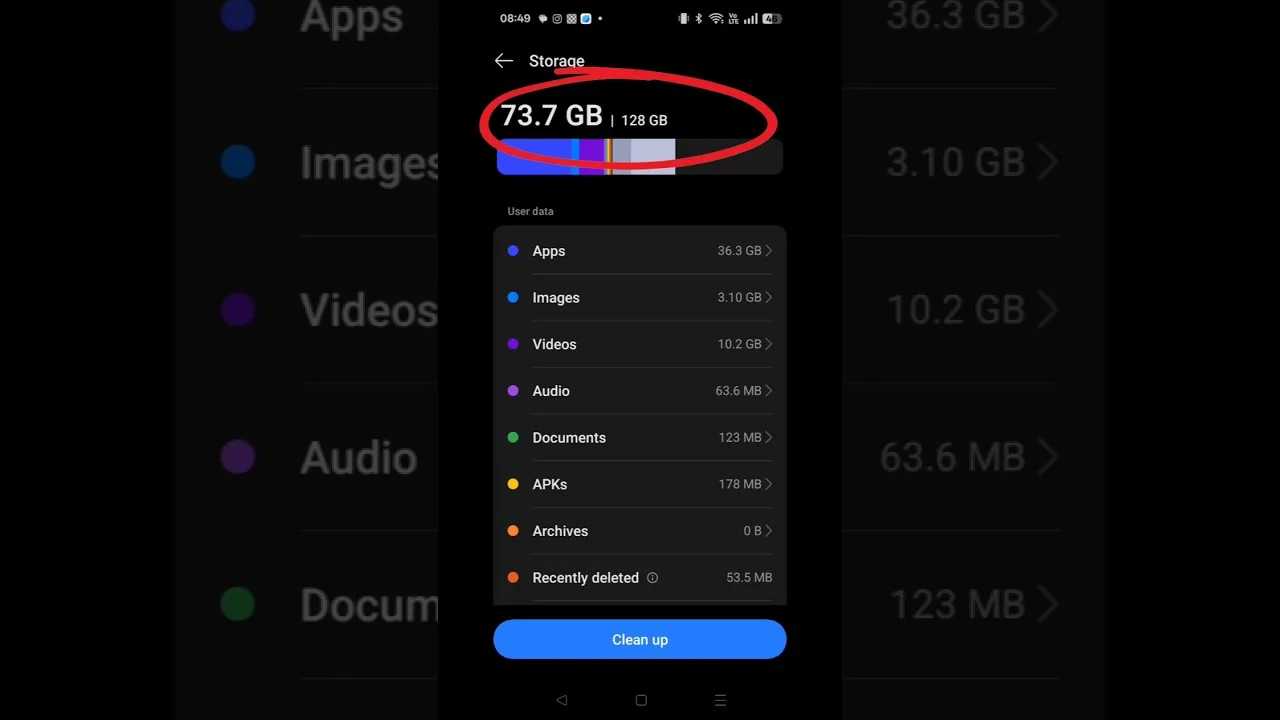
Begin with the phone itself. Confirm the battery level suits the session you plan, or plug in if you play stationary. Close background apps you do not need, so memory and attention are free for play. Check that storage is not sitting at the edge of full, and restart the device if it has been running for many days and feels generally sluggish before you even open anything.
Confirm your connection is the one you intend to play on, and that the phone is comfortably cool. A device that starts warm will only get warmer. These checks take under a minute combined, and they eliminate the whole category of problems that get blamed on the app when the phone was struggling before the session even began.
App and Permission Checks
Open the panel and confirm it launches cleanly and appears as expected. If you recently updated the app or the phone system, verify the overlay permission still stands, because system updates occasionally revisit those choices. A ten-second test now beats discovering a missing panel at the exact moment you reach for it during play later in the session.
The background on Panda X Panel settings panel is worth a glance if you changed anything structural recently. Then walk the main areas quickly, using the Panda X Panel features overview as your mental map if sections still feel new. You are not tuning anything here, just confirming that everything is present, recognisable and in the state you left it after your last session ended.
Setup Checks: Values and Layout
Verify that the active sensitivity values are your proven ones, not an experiment left over from yesterday. The Panda X Panel sensitivity settings guide explains why those values deserve respect: they were built through single changes and fair tests, and playing a serious session on untested experimental numbers muddies both the session and your judgement of the experiment itself when you review it afterwards.
Then glance at the layout. Confirm no control was left mid-move from an earlier editing session, and that spacing still looks as you designed it. One slow look across the whole arrangement, with the phone held in your real playing grip, catches the small displacements that a quick glance in a different posture would probably miss entirely.
Session Checks: One Minute of Testing
Before committing to a real session, spend a minute in a relaxed environment moving, turning and using your main controls. This tiny rehearsal confirms the whole chain at once: device healthy, panel present, values correct, layout familiar. If something feels off, you discover it where fixing it costs nothing, instead of during a moment that matters to you and your teammates.
Treat anything odd as information, not bad luck. A control that feels wrong in rehearsal would have felt wrong all session. Fix it now, retest briefly, and only then start properly. This minute is the cheapest quality control in your entire routine, and regular players protect it even when they are eager to begin.
Keep the Checklist Yours
Adapt this list to your own history. If a particular problem has caught you twice, its check belongs on your personal version permanently. If a step never finds anything on your device, it can shrink to a glance. A checklist that reflects your real experience stays useful, while a generic one you resent gets abandoned within a week of good intentions.
Write your version somewhere you will actually see it, perhaps as a note beside your settings screenshots. Over time the routine becomes automatic: battery, background, cool device, clean launch, permission standing, proven values, familiar layout, one minute of testing. Eight small confirmations, and every session starts from a known, trusted configuration.
The checklist also earns its keep when you return after a break. A week away from the app is enough for anyone to forget whether the last session ended mid-experiment, and returning players often blame their rustiness on settings that were never changed, or change settings that were never the problem. Running the full checklist on your first session back separates the two cleanly: the setup is verified as intended, and any roughness left over is simply hands warming up again. That clarity protects a good configuration from needless edits, and it makes returning to the app feel orderly rather than uncertain, however long the break has been since you last played.
Final Thoughts
A two-minute checklist is the difference between hoping your setup is right and knowing it is. Device healthy, app ready, values proven, layout checked and one short rehearsal: run it before sessions that matter and most preventable frustrations simply never happen. It is a small habit with an outsized effect, and it belongs in every Panda X Panel user's routine.